AI Content Structure for AI Search
Last updated: November 19, 2026
AI content structure for AI search — The Complete Guide has one job: put the answer up top, then back it up with tight headings and short, factual chunks a model can quote. Quick Answer: a strong page usually gives the main answer in the first 1-2 sentences, then uses tightly scoped headings and short sections to support it. What follows lays out what to write, what to cut, and how to shape a page so AI systems pull the right passage.
Key takeaways
- Lead with the answer in the first lines. AI search tools reward pages that say what they mean fast.
- Use question-based headings for the problems readers actually ask.
- Put one idea in each section, then support it with concrete terms, examples, standards, or steps.
- Add short summaries, lists, and comparisons where the reader would naturally stop.
- Cut vague setup copy. AI systems and people both skip it.
What AI search is looking for in your content
AI search wants passages it can trust, quote, and stitch together into a fast answer. So the page has to be easy to segment, easy to summarize, and easy to verify.
When the answer sits in paragraph four, the headings are vague, and the key point is buried in a block of text, an AI system can still read it — but it has to work harder than it should. That usually lowers the chance of being cited.
The structure that helps most is simple:
- Say the main answer in the first 1-2 sentences.
- Use headings that match real questions.
- Keep each section centered on one job.
- Add concrete details, not soft generalities.
- End with a short recap or next step.
The catch? “Better structure” does not mean “more headings.” A page with ten shallow sections is still hard to use. Depth beats decoration.
For a strong reference on page quality signals, see Google’s guidance on helpful, people-first content and search basics from Google Search Central:
https://developers.google.com/search/docs/fundamentals/creating-helpful-content
https://developers.google.com/search/docs/fundamentals/how-search-works
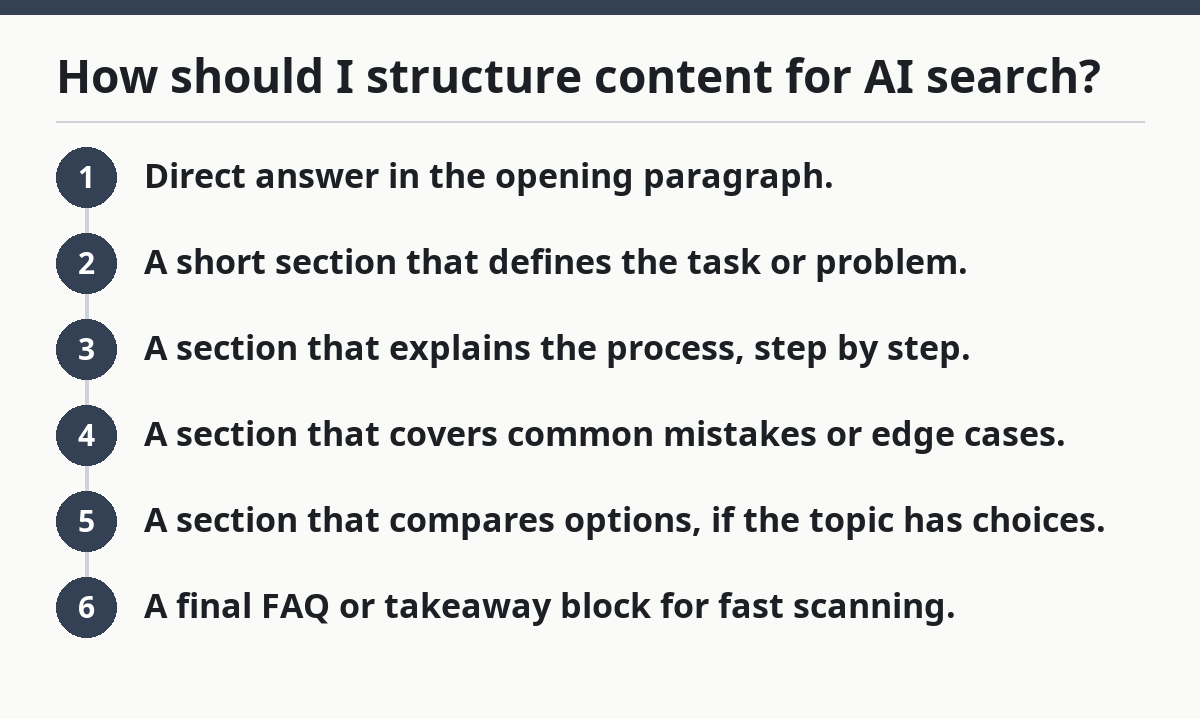
How should I structure content for AI search?
Answer first, explanation second. After that, split the rest into small sections, each one solving a single part of the reader’s problem.
Because AI systems look for a clean answer, then supporting detail, then a passage that proves the answer is not hand-waving, the page should make that shape obvious from the start. The first paragraph should do the heavy lifting.
A practical structure looks like this:
- Direct answer in the opening paragraph.
- A short section that defines the task or problem.
- A section that explains the process, step by step.
- A section that covers common mistakes or edge cases.
- A section that compares options, if the topic has choices.
- A final FAQ or takeaway block for fast scanning.
Keep each section narrow. Should a section need a comma to keep changing topic, it should probably be two sections. One section, one job.
This is where the page starts to feel usable. A reader can move from the answer to the detail without losing the thread, and a model can do the same.
Why the opening matters more than the rest
The opening matters most because it tells both the reader and the model what the page is about before they commit to the rest.
A visitor lands on your page and wants the answer now, not after three throat-clearing paragraphs. AI systems act the same way, just in a different form — they reward the part that can stand on its own. The opening should carry the topic.
A strong opening usually does three things:
- Names the subject plainly.
- Gives the direct answer.
- Signals what the page will settle next.
Bad openings waste the page’s best real estate. “This article will explore…” and “In this guide, we’ll look at…” add almost nothing. A better opening says the thing in plain language, then moves on.
Here’s a useful rule: should the first paragraph fit any topic, it is too generic. If it only works for this topic, it is doing its job. That matters especially for AI content structure for AI search — The Complete Guide, where the opening has to earn attention fast.
Which headings work best for AI search?
Headings work best when they mirror the questions a real person would ask out loud, because those are the questions AI systems can map to intent.
You are scanning a page on a phone, not reading a thesis. Headings are your map. If they are vague, you lose your place; if they are specific, the page feels shorter and more useful. Specific headings win.
Use headings that do one of these jobs:
- Ask a real question.
- Name a clear step.
- Identify a decision.
- Mark a problem or exception.
- Point to a comparison.
Good heading examples:
- What does AI search need from content?
- How do I structure a page for AI answers?
- What should I put above the fold?
- Which sections help most with citations?
- When does a FAQ help?
Weak heading examples:
- Best practices
- Final thoughts
- Everything you need to know
- More on structure
AI search does not want clever headings. It wants headings that sort the page into usable chunks. Clarity beats style.
If a heading can be used on ten unrelated articles, it is probably too broad. A good heading narrows the reader’s expectation before they read the first sentence.
What should each section contain?
Each section should contain one main claim, a small amount of proof, and enough detail to make the claim useful.
Should a section give five topics, two examples, and a side note about something else, the drift makes the page harder to scan and harder to quote. Keep the lane narrow.
A clean section usually includes:
- One point in the first sentence.
- One example, standard, or process detail.
- One short list or concrete explanation.
- A direct bridge to the next section.
You do not need long transitions. You need clean exits. Should a paragraph start drifting into a second topic, break it apart.
A section is strong when it can be lifted, quoted, and still make sense on its own. That matters because AI systems often extract only a passage, not the whole page. The same rule applies to AI content structure for AI search — The Complete Guide: each block should work as a standalone answer.
How do lists, tables, and short blocks help?
Lists, tables, and short blocks help because they make facts easier to isolate, compare, and cite.
A reader wants steps, differences, or a checklist, not a wall of prose. A model scanning your page wants the same thing in a machine-readable form. Structure the facts so they can stand alone.
Use these formats where they fit:
- Bulleted lists for features, steps, signs, or mistakes.
- Numbered lists for sequences and workflows.
- Tables for comparisons, criteria, or trade-offs.
- Short callout blocks for takeaways or warnings.
Tables are especially useful when the page compares two methods, two tools, or two content choices. They force you to name the criteria that actually matter. That cuts fluff fast.
One caution: do not stuff a table with trivia. A good table contains the criteria that change the decision, not every detail you know. If the row does not help the reader choose or act, it probably does not belong.
For a practical standard on making pages usable, see Nielsen Norman Group’s work on scannability and web reading behavior:
https://www.nngroup.com/articles/how-users-read-on-the-web/
What gets pages ignored by AI search?
Pages get ignored when they hide the answer, repeat themselves, or sound like they were written to fill space instead of solve a problem.
The article can have 1,500 words, but if the key answer lives deep in the body, the reader still has to hunt for it. That is the common failure. The page may be readable, yet the structure makes the answer harder to lift.
The biggest mistakes are:
- Vague intros that do not name the topic fast.
- Headings that say nothing useful.
- Sections that repeat the same point with new words.
- Sentences stuffed with buzzwords and abstractions.
- No real examples, standards, or comparisons.
- No clear ending that tells the reader what to do next.
Another trap is writing for “SEO” instead of for the question. That usually leads to generic filler and vague phrasing. AI search punishes that kind of writing because it has nothing sharp to quote. Empty copy is easy to skip.
Google’s Search Essentials also stress helpful content and clear purpose, which is why structure matters as much as length:
https://developers.google.com/search/docs/fundamentals/creating-helpful-content
https://developers.google.com/search/docs/fundamentals/search-essentials
How do you write for AI search without sounding robotic?
Write plainly, precisely, and usefully — then make the page easy to break into pieces.
You may try to sound polished and end up piling up phrases like “in today’s landscape” and “note this.” The result feels safe, but it also feels dead. Plain language works better.
A few habits help:
- Use concrete nouns and active verbs.
- Prefer short paragraphs.
- Put the answer in the first sentence when you can.
- Replace vague claims with named things: standards, steps, types, tools, or methods.
- Vary sentence length so the page sounds human.
That does not mean writing like a robot. It means writing like someone who knows the subject and does not need to hide behind fog.
Should a sentence be cut and the page still says the same thing, cut it. AI search rewards pages that get to the point without waste. Since the page is built for clarity, every line should earn its place.
What does a good AI search page look like in practice?
A good AI search page looks like a short answer at the top, a clear path through the middle, and a final block that handles the reader’s last questions.
The page opens with the answer, then moves through definition, steps, mistakes, and edge cases without wandering off. The reader can skim it, and the model can quote it. That is the goal.
A clean template looks like this:
- Opening: direct answer in 2-3 sentences.
- H2 1: what the topic means in this context.
- H2 2: how to do it step by step.
- H2 3: common mistakes or limits.
- H2 4: comparison or decision point.
- H2 5: FAQ-style questions if the topic still leaves gaps.
A page does not need every one of those pieces every time. But it does need a shape that makes sense on first scan. A reader should not have to decode the page just to find the point. That is the real test, and it is why AI content structure for AI search — The Complete Guide needs a clear through-line from top to bottom.
What should you do next?
Audit your highest-value pages and check whether the answer appears in the first paragraph, the headings match real questions, and each section earns its place.
You may have a page that ranks okay, but it still feels hard to quote. That is often a structure problem, not a topic problem. Fix the frame before rewriting everything.
Start with this quick pass:
- Rewrite the intro so it answers the query immediately.
- Replace vague headings with question or action headings.
- Split long sections into one-topic chunks.
- Add lists or tables where readers compare or choose.
- Remove repeated lines and filler transitions.
- Add a short ending that answers the next likely question.
A cleaner page is easier for readers, easier for AI systems, and more likely to get cited. The work is not to make the page louder. It is to make it easier to use.
FAQ: AI content structure for AI search
How long should an AI search-friendly section be?
A section should be only as long as the point needs, and no longer. For many pages, that means a few short paragraphs plus a list or example, not a long essay. Should a section start repeating itself, it is probably too long.
Do I need a FAQ on every page?
No, not every page needs one. A FAQ helps when the topic still leaves real follow-up questions, especially on how-to and explanation pages. Should the page already answer those questions clearly, forcing a FAQ can add clutter instead of value.
Should I write for keywords or questions?
Write for questions first, then use keywords naturally where they fit. Questions reflect the reader’s intent, while keywords help the page stay findable. Should the question be clear and the wording natural, the keyword usually falls into place anyway.
What matters more for AI search: headings or body text?
Both matter, but body text carries the answer. Headings help the model and the reader find the right section, while the body gives the actual substance. A page with strong headings and weak paragraphs still fails the job.
Can a simple page rank in AI search?
Yes, should it answer the question cleanly and cover the needed subtopics without fluff. Simplicity helps when the topic is narrow and the intent is clear. A simple page that is well structured often beats a bloated page that says too little too late.
Drafted with AI; not yet reviewed by a person.