How to Add Schema Markup for AI Search Visibility
Last updated: November 19, 2026
Quick answer: for how to add schema markup for AI search visibility, a clean JSON-LD Article block with the right URL, publisher, and dates is usually the fastest place to start, and it can be validated in minutes before publishing. Schema markup gives AI search systems a cleaner map of what a page is about, who published it, and which parts are facts, FAQs, or articles. If the goal is AI search visibility, a practical first step is to add JSON-LD schema.org markup for the page type you actually have, then validate it before you publish.
Key takeaways
- Use schema markup to make page identity and content type easier for machines to parse.
- Start with the page’s real type: article, organization, or FAQPage, not every schema type at once.
- JSON-LD is the easiest format to maintain because it sits in one script block.
- Validation matters because broken markup can hide the very signals you meant to add.
- Schema helps machine readability, but it does not replace clear on-page writing.
What schema markup does for AI search visibility
Schema markup adds machine-readable labels to a page, which helps AI search systems understand what the page contains without guessing from layout alone. For this job, the subject is schema markup, not rich snippets in general. That difference matters: the point is not only to chase a search result decoration, but to make the page easier for parsers, crawlers, and AI systems to classify.
The most useful standard here is schema.org, the vocabulary most structured data on the web is built on. On a typical content page, the practical starting points are Article, FAQPage, and Organization. Those types tell a system whether the page is an article, whether it contains a question-and-answer block, and which entity stands behind the site. That is exactly the kind of identity signal AI search systems need when they assemble answers across sources.
This is not a magic switch. Schema will not make weak content trustworthy, and it will not force an AI system to cite a page. It works best when the page already has clear headings, specific claims, and a stable publishing identity. A page with thin content and perfect markup is still thin content.
A useful rule: add schema to match the page’s real purpose, not to decorate it. If the page is a blog post, start with Article. If the page is a brand or publisher page, add Organization. If you genuinely have a question-and-answer section, use FAQPage. Trying to tag everything at once usually creates noise, not visibility.
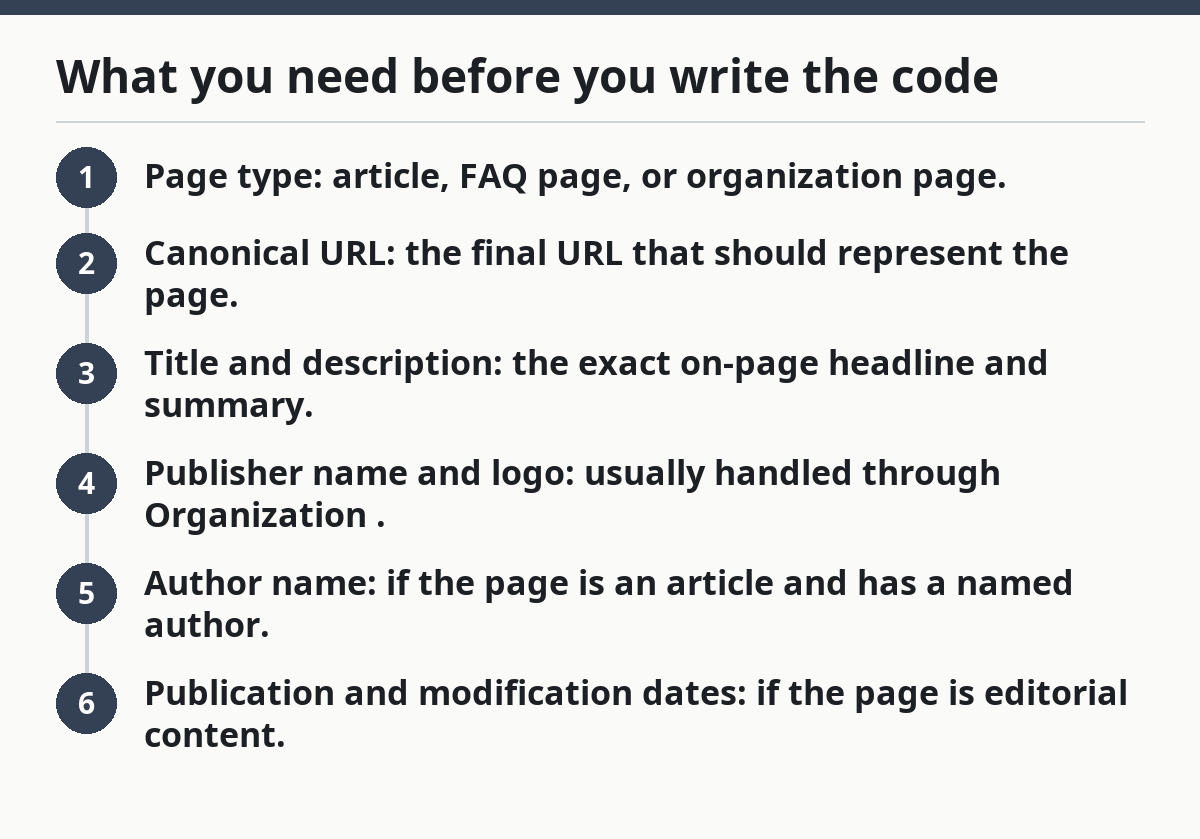
What you need before you write the code
You need one page type, one canonical URL, and one source of truth for the page’s title, author, and publisher before you write a single line of markup. If those details are not settled, the schema will drift from the page and lose value.
Begin with the page you want AI search systems to understand. Then collect these fields:
- Page type: article, FAQ page, or organization page.
- Canonical URL: the final URL that should represent the page.
- Title and description: the exact on-page headline and summary.
- Publisher name and logo: usually handled through
Organization. - Author name: if the page is an article and has a named author.
- Publication and modification dates: if the page is editorial content.
If the page is part of a sitewide publishing stack, decide where the schema lives before you build it. In many CMSs, JSON-LD can be inserted in the page template or a custom head field. That is better than scattering microdata through HTML, because JSON-LD keeps the logic in one place and is easier to update later.
The common mistake here is treating schema as a standalone plugin setting. A plugin can generate markup, but it cannot fix a messy page identity. If the title tag, header, author bio, and schema all say different things, parsers get conflicting signals. Consistency is the job, and if the setup is unclear, consult a professional or review Google’s structured data guidance before you proceed.
A practical benchmark: if you cannot fill in the page’s Article, Organization, and canonical URL details in under 10 minutes, the source content is probably not ready for markup yet. Clean the page first.
How to add schema markup for AI search visibility
You add schema markup for AI search visibility by writing JSON-LD that matches the page, placing it in the HTML head or body, and validating it with a structured data tool before publishing. For many sites, that is a reliable path, but it is not the only one.
-
Choose the correct schema type for the page.
UseArticlefor editorial content,FAQPagefor a page whose main function is question-and-answer, andOrganizationfor the site or brand entity. When this step is right, the markup describes the page in plain machine terms instead of forcing a generic label onto it. -
Write JSON-LD instead of mixing schema into the HTML body.
JSON-LD uses a<script type="application/ld+json">block, which is easy to copy, version, and maintain. A basic article block typically includes@context,@type,headline,author,publisher,datePublished, anddateModified. When it works, the code is separate from the visible page content and easy to inspect. -
Use the exact page URL and name fields that appear on the page.
Put the canonical URL inurl, the visible headline inheadline, and the publisher name inpublisher.name. This avoids identity mismatches. When it works, your schema mirrors the page instead of inventing a parallel version of it. -
Add
Organizationmarkup to define the publisher.
Include the site name, logo, and sameAs links where appropriate. This can help AI systems connect content pages to a named entity rather than treating each page as isolated text; if the site structure is complex, consult a professional or check schema.org and Google Search Central first. When it works, the content has a visible parent brand, not just a topic label. -
Add
FAQPageonly when the page truly has FAQ content.
Wrap each question and answer pair inmainEntityentries. Do not turn random headings into FAQ schema just because they look short enough. When it works, the page has a clear question structure that matches the code. -
Validate the markup in Google’s Rich Results Test and a schema parser.
Use the Google rich results test to catch syntax issues and eligibility problems, then check the raw JSON-LD in a schema validator or the page source. When it works, the tool returns a clean parse with no critical errors. Google’s own documentation on structured data is the right place to confirm supported properties; see the Search Central structured data guidance and the Rich Results Test documentation. -
Publish, then recheck the rendered page.
Some CMSs strip code, delay scripts, or inject duplicate schema after publishing. Reload the live page and inspect the source once, not just the editor preview. When it works, the live HTML contains the same JSON-LD you wrote.
A simple Article example is enough for many pages:
json

{

  "@context": "https://schema.org",

  "@type": "Article",

  "headline": "How to Add Schema Markup for AI Search Visibility",

  "author": {

    "@type": "Person",

    "name": "Author Name"

  },

  "publisher": {

    "@type": "Organization",

    "name": "Site Name"

  },

  "datePublished": "2026-10-25",

  "dateModified": "2026-10-25",

  "url": "https://example.com/schema-markup-ai-search-visibility"

}
That example is intentionally plain. The goal is a clean, valid baseline, not an overloaded graph.
Which schema types help AI search visibility?
Article, FAQPage, and Organization are the three most useful schema types for this job, because they describe content, question-answer structure, and publisher identity. Those three cover the most common visibility signals without turning the page into a cluttered data model.
Article is the anchor for editorial pages. It tells a system that the page is a published piece with a headline, author, and publication dates. That matters for AI search visibility because systems often prefer content with clear provenance and stable metadata.
Organization belongs on the site, homepage, or publisher template. It defines the brand entity behind the content and can connect the page to a logo, social profiles, and the organization name. For AI search, that can reduce ambiguity, especially on sites where the brand name is not obvious from a single article URL.
FAQPage works only when the content is genuinely question-based. Do not use it as a shortcut for “important headings.” If the page has no real Q&A section, the schema is false labeling, and that weakens trust in the rest of the markup.
A few other schema types can be useful on specific pages, such as BreadcrumbList or WebPage, but they are secondary for this topic. If a site is just starting, adding every possible type is the wrong move. A tight set of correct types beats a long list of speculative ones.
The trade-off is simple: fewer schema types are easier to maintain and audit, but they cover less context. For most sites, that is a good trade. Add more only when the page structure genuinely supports it.
What validation catches that editors miss
Validation catches syntax errors, missing required properties, and duplicated markup that can make a page unreadable to parsers. That is why the Google rich results test is not optional if the page matters.
The obvious mistake is a malformed JSON comma, quote, or bracket. One missing character can break the whole script. A validator catches that instantly, while an editor preview may show nothing wrong. Another common issue is nesting the wrong item type under the wrong parent, such as putting organization details where article data belongs.
Validation also helps you spot conflicts. If the page source contains two different Article blocks with different headlines, or one plugin injects Organization data while another injects a second version, the page becomes noisy. For AI systems, noisy metadata is worse than sparse metadata.
Use at least two checks:
- Google rich results test for Google-readable structured data.
- A schema.org parser or code review for plain JSON-LD correctness.
If the markup validates but the page still feels awkward in source, simplify it. A short, clean Article graph with the correct URL and publisher is better than a sprawling graph with six optional entities and one broken field.
The limitation here is worth stating plainly: validation does not guarantee AI visibility. It only confirms that the markup is structurally sound. Visibility still depends on page quality, crawlability, and whether the system chooses to use the data.
Where schema markup stops helping
Schema markup stops helping when it no longer matches the page people see. If the article body says one thing and the JSON-LD says another, the markup creates suspicion instead of clarity.
This is the wrong approach for pages that are not stable or not editorial. A page that changes every few hours, or a page with thin content and no clear publisher identity, is a poor candidate for detailed schema. Start with the page structure instead of stacking code on top of uncertainty.
It is also the wrong move if the site has no consistent publishing standard. If there is no author field, no publish date, and no canonical policy, adding schema can expose those gaps. That is useful in the long run, but it can also make the page look unfinished in the short run.
Treat schema as a visibility layer, not a disguise. The markup should confirm what the page already is. If it needs to invent the page’s meaning, it is being used badly, and if the situation is unclear, consult a professional and follow Google’s structured data guidance.
For the bigger picture on AI search visibility, this page fits inside the site’s broader AI search visibility hub, where schema is one part of a larger machine-readable publishing system.
Which schema types help ai search visibility?
Article, FAQPage, and Organization are the most practical starting points for AI search visibility. Article identifies the content, FAQPage marks real question-and-answer content, and Organization ties the page to a publisher entity. That combination is usually enough for a clean first implementation.
Do I need schema markup for answer engines?
No, schema markup is not a requirement for answer engines, but it can help them understand page identity and structure. Answer engines can still process plain HTML. Schema becomes useful when the page needs clearer machine-readable signals about type, publisher, or FAQ content.
How do I validate structured data?
Validate structured data with Google’s Rich Results Test and a schema parser or source-code check. The first confirms whether Google can read the markup cleanly. The second helps catch raw JSON-LD errors, duplicate blocks, or mismatched fields before the page goes live.
Drafted with AI; not yet reviewed by a person.