
How to Build an AI Search Visibility Baseline
Last updated: November 19, 2026
Quick Answer: build an AI search visibility baseline with one page, one query set, and one dated snapshot before you edit anything.
Key Takeaways
- A visibility baseline is a dated snapshot of a page before any edits.
- The query set is the core of the baseline, because visibility depends on relevant searches.
- Capture the same snapshot from each tool on the same day, and save the date plus settings.
- A visibility baseline report should show the pre-change page, where it appeared, and how the next snapshot will be measured.
Your page can change fast, and without a visibility baseline you won’t know what the change did. Build the baseline before you touch the page, or your before-and-after report will be noise. This article on How to build an AI search visibility baseline before you change a page settles what to record, where to pull it from, and how to make the comparison later.
In short: a good baseline captures one page, one query set, one date range, and one snapshot from Google Search Console, Bing, ChatGPT, Perplexity, and analytics.
What a visibility baseline actually is

A visibility baseline is a dated snapshot of how a page shows up now, before you edit anything. It gives you a fixed reference point for search results, AI answers, and traffic so later changes have something real to compare against.
Picture this: you’re about to rewrite a page, but the team already wants proof that the new version helped. You need a baseline report first, not after the launch. That report should show the page’s current query mix, where it appears, and what those appearances are worth in traffic or clicks.
A baseline is not a vague “starting point.” It is a documented snapshot with a date, a query list, and source data from at least two systems. If the page later gains or loses visibility, the baseline tells you whether the shift came from your edit, a ranking change, or a change in how AI tools answer the query.
You do not need fancy software to start. A spreadsheet, Google Search Console, Bing Webmaster Tools, and analytics can do the job if you record the same fields every time.
What belongs in the baseline:
- page URL and page title
- capture date and time
- target query set
- Google Search Console data
- Bing data
- AI result checks in ChatGPT and Perplexity
- analytics snapshot for clicks, entrances, or sessions
- a short note on page type and intent
Build the query set first
The query set is the backbone of the baseline, because you can’t measure visibility for a page if you don’t know which searches matter. Start with the exact phrases the page should win for, then add the nearby queries people actually type.
Picture this: you’re looking at a page that ranks for a few branded searches, a handful of broad terms, and one odd question that keeps sending visits. You need a list of 5 to 20 queries that reflects that mix, not a guess. Keep the list small enough to repeat later without drama.
Here’s the catch: a baseline built on only one keyword is fragile. One ranking swing can make the whole report misleading. A baseline built on too many terms gets muddy and hard to repeat.
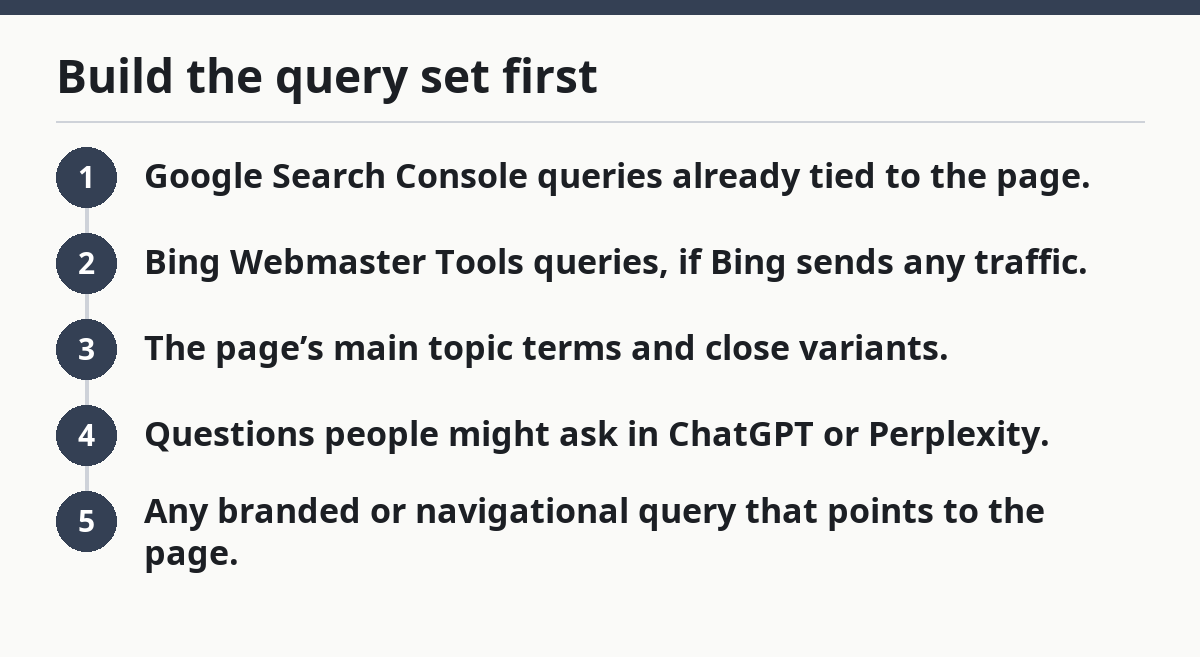
Use these sources to build the list:
- Google Search Console queries already tied to the page.
- Bing Webmaster Tools queries, if Bing sends any traffic.
- The page’s main topic terms and close variants.
- Questions people might ask in ChatGPT or Perplexity.
- Any branded or navigational query that points to the page.
Then sort the list into three groups:
- primary queries: the main terms the page should own
- secondary queries: related variants and questions
- watch-list queries: terms that matter but may not fit the page well
A query set built this way helps you compare like with like later. If a page is meant to answer “AI search visibility baseline” but starts showing up for unrelated terms, you’ll see that drift instead of guessing at it.
How do I capture the baseline from search tools?

You capture the baseline by taking the same snapshot from each tool on the same day, then storing the date and settings with the data. Do it in one sitting if you can, because search signals drift from day to day.
Picture this: you’re opening Google Search Console, Bing, ChatGPT, and Perplexity in separate tabs while analytics sits in another window. The goal is not a perfect dashboard. The goal is a repeatable before-change snapshot that another person could recreate in 10 minutes.
Use this order:
- In Google Search Console, pull the page’s clicks, impressions, average position, and top queries for the same date range you’ll use later. A 28-day window is common because it smooths out daily spikes.
- In Bing Webmaster Tools, record the same page-level query and click data if it exists.
- In analytics, capture sessions, entrances, or pageviews for the same period, plus the landing-page title if your tool shows it.
- In ChatGPT, ask a plain query that matches the page topic and note whether the page, brand, or site is mentioned.
- In Perplexity, repeat the same query and record whether the page appears in citations, answer text, or not at all.
Do not chase a single “score.” AI search visibility is scattered across systems. Search consoles show search behavior; AI tools show answer presence; analytics shows whether people actually arrived.
Use one worksheet row per query. Include:
- source tool
- query text
- date
- visible result or answer status
- page cited or mentioned: yes/no
- click or session data, if available
- notes on wording, source citations, or competitors shown
That structure turns a loose snapshot into a comparison file.
What should go in a visibility baseline report?
A visibility baseline report should show what the page looked like before change, where it appeared, and how you will measure the next snapshot. Nothing more is needed for the first version, and nothing less will help later.
Picture this: you’re sending the report to a content lead, a strategist, or an editor who will approve the rewrite. They do not want a wall of numbers. They want one page, one date, one benchmark they can trust when the page changes.
Build the report around these sections:
- page name and URL
- date captured
- date range used in Google Search Console and analytics
- query set
- search visibility notes from Google and Bing
- AI visibility notes from ChatGPT and Perplexity
- current analytics snapshot
- short interpretation
Keep the interpretation plain. For example: “The page appears in Google for its main term, but ChatGPT does not mention it and Perplexity cites a competitor more often.” That sentence is useful because it names the gap without pretending the gap has one cause.
A report like this can also prevent later arguments about timing, though you should still confirm the timing with your team and, if needed, a professional. If a rewrite goes live on Tuesday and rankings move on Friday, the baseline tells you what was true before Tuesday. That sounds simple. It saves a lot of bad meetings.
If you want a tighter structure, add a status line for each query:
- holding steady
- weak visibility
- no presence
- AI citation present
- AI answer absent
That keeps the report scannable on a phone screen. It also makes the next review faster, because you’re not rereading the whole file to find the same pattern.
Track the baseline in a cadence you can repeat
A cadence you can repeat matters more than speed, because inconsistent timing makes the comparison unreliable. Use the same day of the week and the same 28-day window whenever you can.
Picture this: you have one baseline today, then a rewrite next month, then a second update after that. If each snapshot uses a different range or different query list, the comparison breaks. You need a steady tracking cadence, not a one-off audit.
A good rhythm looks like this:
- baseline snapshot: before any edit goes live
- first follow-up: 7 to 14 days after the change
- second follow-up: 28 days after the change
- later checks: monthly, if the page still matters
Here’s the catch: some tools lag. Google Search Console can take time to settle. AI tools can shift answers based on prompt wording, model changes, or source retrieval. That is why one check is not enough.
Keep the same prompts when you repeat ChatGPT and Perplexity checks. Keep the same page URL in every search console pull. Keep the same date range in analytics. Small drift in method creates fake movement in the results.
A simple cadence table helps:
- Day 0: capture baseline
- Day 7: quick check
- Day 28: primary comparison
- Month 2 or 3: trend check
If the page has very low traffic, use longer windows. If it is high-traffic and changing often, a shorter check can help, but only if you keep the method steady.
Common mistakes that ruin the baseline
A bad baseline often looks clean on the surface and useless under pressure. The biggest failure is changing the page first, then trying to reconstruct the “before” state from memory or partial exports.
Picture this: you open the report after the rewrite and realize the query list changed, the date range changed, and someone swapped tools halfway through. The result is a broken before-and-after measurement. The cost is wasted time and a comparison nobody trusts.
Avoid these mistakes:
- Using different query sets before and after. This makes the report look like performance moved when the inputs changed.
- Mixing date ranges. A 7-day baseline compared to a 28-day follow-up is not a fair comparison.
- Skipping AI checks. If you only record Google Search Console, you miss whether ChatGPT or Perplexity changed.
- Recording vague notes. “Looks better” tells you nothing later.
- Saving the snapshot in one place only. If the file gets lost, the baseline is gone.
The fix is boring and effective. Use one template, one query list, one date range, and one folder or sheet. Name the file with the page URL and the capture date. That one habit saves more time than any clever dashboard.
A simple baseline template you can copy
A simple template keeps the baseline usable when the team is busy and the edit is already scheduled. You need enough structure to compare later, but not so much that nobody fills it out.
Picture this: you’re building the baseline in a spreadsheet while a change request waits in your inbox. A single template with the right fields is faster than a blank page and safer than memory.
Use these columns:
- page URL
- page title
- capture date
- tool name
- query
- query type
- current result or status
- clicks or sessions
- notes
- next check date
For query type, use a short label such as primary, secondary, or watch-list. For result or status, use plain terms like shown, not shown, cited, or absent. If the page gets mentioned in ChatGPT but not cited in Perplexity, write that down exactly.
This template also works for benchmarking. You can compare one page against itself over time, or compare one page against a competitor page later if your process allows it. Keep the baseline page-focused first. Competition comes after the reference point is solid.
If you need a one-line rule, use this: if it can’t be compared in 30 seconds, it doesn’t belong in the baseline. That keeps the sheet lean and the next review practical.
For a broader framework on the setup around this work, see the hub on AI search visibility foundations — The Complete Guide.
What the baseline tells you after the page changes
The baseline tells you whether the page gained, lost, or held its place across search engines, AI answers, and traffic sources. It also tells you which part moved, so you can avoid guessing.
Picture this: the new page goes live, and three weeks later the team asks if it worked. You compare the new snapshot to the baseline and answer with evidence, not vibes. That is the whole point of the work.
Because the comparison starts with a gap in visibility, look for these shifts:
- more or fewer clicks in Google Search Console
- changes in average position for the same query set
- new or lost mentions in Bing
- changes in citation or mention patterns in ChatGPT and Perplexity
- traffic changes in analytics for the same page
Do not treat every movement as proof of cause. A better title can help clicks without changing rank. A ranking drop can happen while AI citations improve. One tool rarely tells the whole story.
The strongest baseline reports make the next decision easier. If the page stayed flat, you may need a broader rewrite next time. If AI visibility improved but traffic did not, the page may be more visible in answer engines than in classic search. If both moved in the same direction, you have a cleaner win.
That is the real value of the baseline. It gives the page a before picture that survives meetings, edits, and memory.
FAQ
What is an AI search baseline?
An AI search baseline is a dated snapshot of how a page appears before you change it. It usually includes Google Search Console, Bing, AI tool checks, and analytics data for the same URL and query set. The baseline becomes the reference point for every later comparison.
How do I measure progress after a content change?
Measure progress by comparing the same page, the same query set, and the same date window after the change goes live. Use Google Search Console, Bing, ChatGPT, Perplexity, and analytics together so you can see both visibility and traffic changes. A 28-day before-and-after comparison is a practical starting point.
What should be in a visibility baseline report?
A visibility baseline report should include the page URL, capture date, query list, Google Search Console data, Bing data, AI tool notes, and an analytics snapshot. It should also show the date range used and a short interpretation of what the page is doing now. Keep it simple enough to repeat.
Drafted with AI; not yet reviewed by a person.